This is a sample post to see what publication time it puts on the post to check to see if the time setting is correct. I guessed UTF -5 but it is off by an hour. You can see the post time in the document settings under Publish.
Whatever name is used on the wordpress login shows as the author of the post. This has my name on it. Your Phillip login would have Phillip on it. You can change the name that shows up on your login in the settings. But you can also select an author in the post document settings (see gear at top right)
On the image that I placed below, you may want to link to the Fellowship Education page, otherwise you could let it link to its own media file, it is larger that the image here.
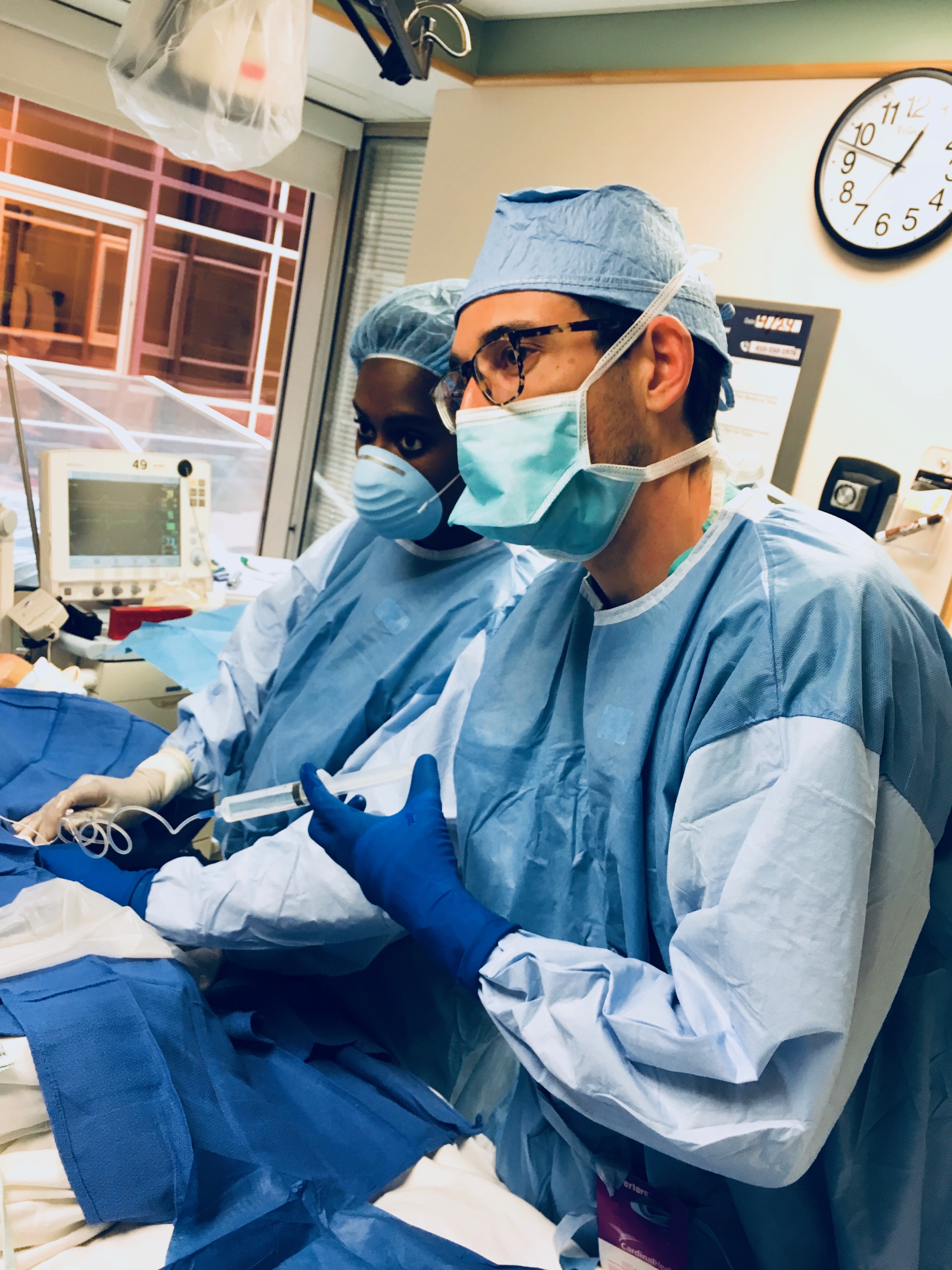
We should change the settings as well to not allow comments on any of the posts in order to avoid spam. That can changed be for the whole website in the Settings drop-down on the left or it could be done on each individual post. You can change that setting under Discussion in the advanced settings on the document settings – I have not changed it.
I have added a “featured image” in the Document Settings on the right of this post. It is the same as the image I used in the post, but it should be a different image and it needs to be a certain large size, but if too large it may get cropped and not look good – may need to experiment. It might look good with a Johns Hopkins building, like I saw you had or have.